
100 % local
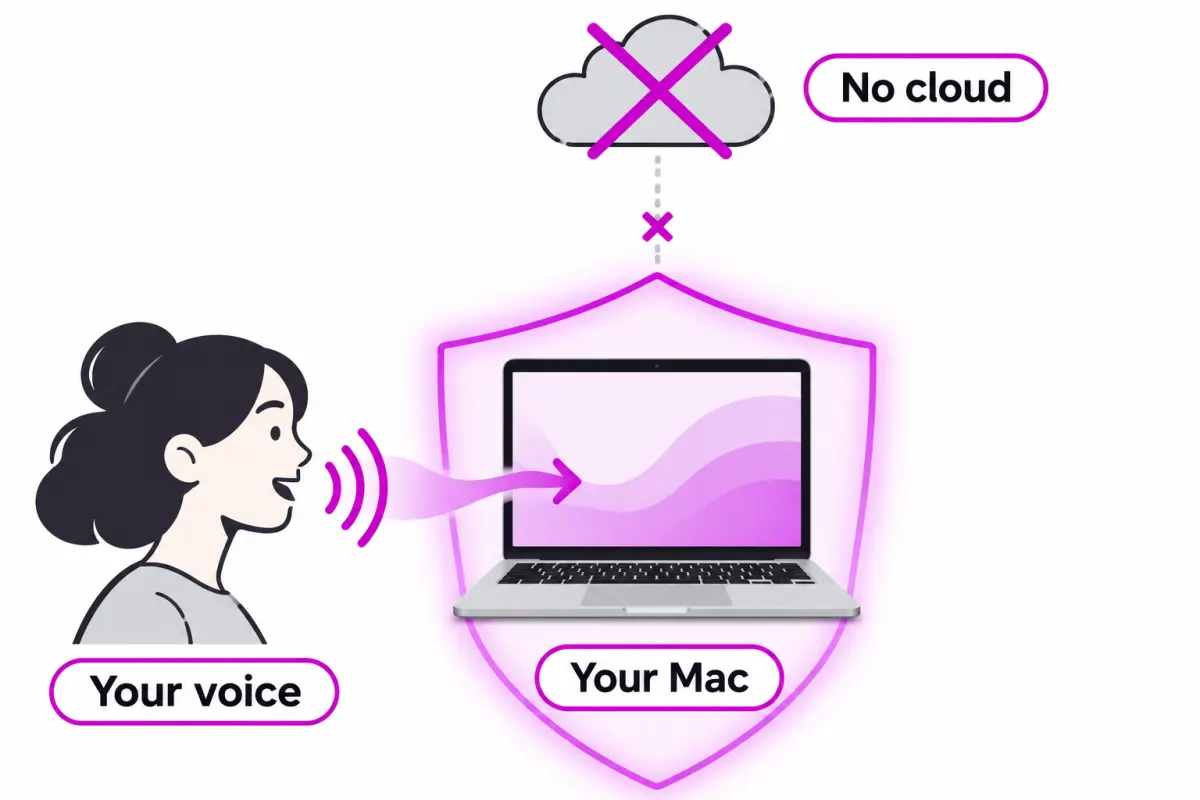
Speech recognition runs on your Mac. Audio is never sent to a server and you need no account to dictate.

No cloud, and it learns from your corrections. You speak, fix as you go, and the text lands where you were typing.
DictaSuite lives in the menu bar. No window to open and no account to create.
From any app. You choose the shortcut in the settings.
The transcript appears live and you can change any word without stopping.
When you finish, the text goes into the document, email or field you had open.
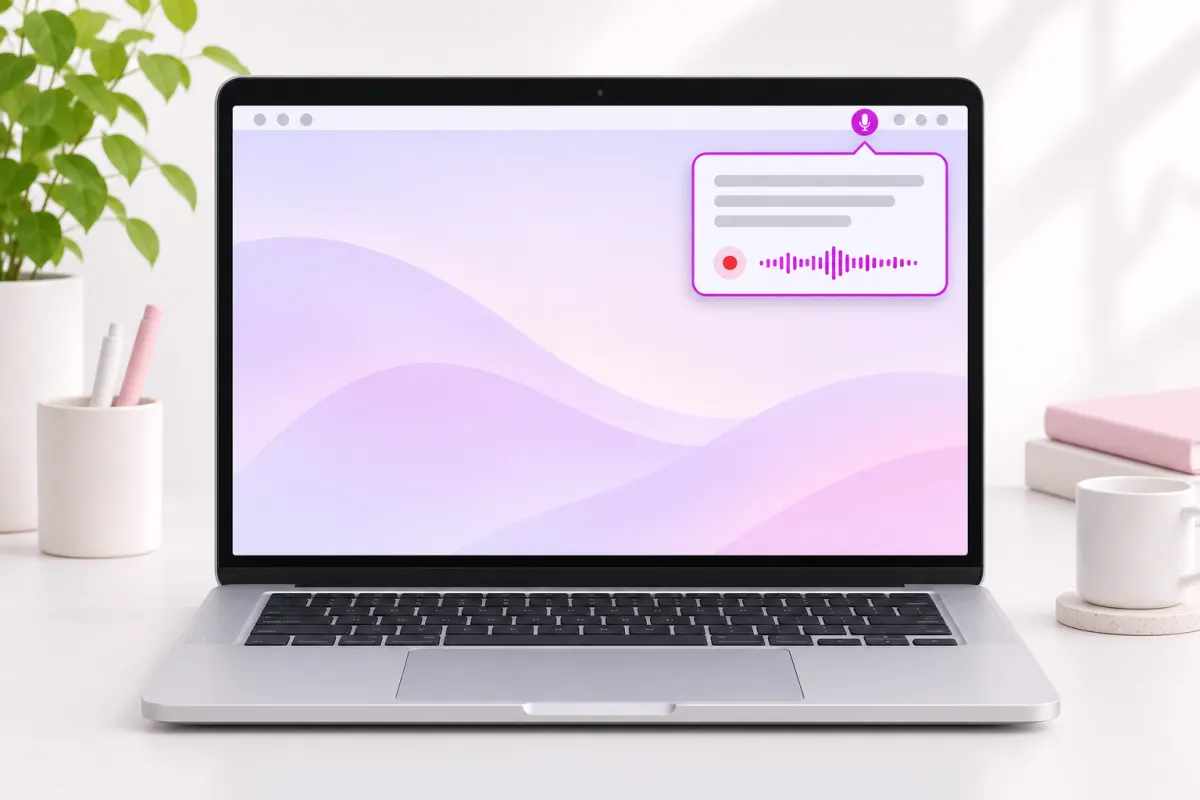
Speech recognition runs on your Mac. Audio is never sent to a server and you need no account to dictate.
You see the text while you speak and fix it right away, without waiting for the end.
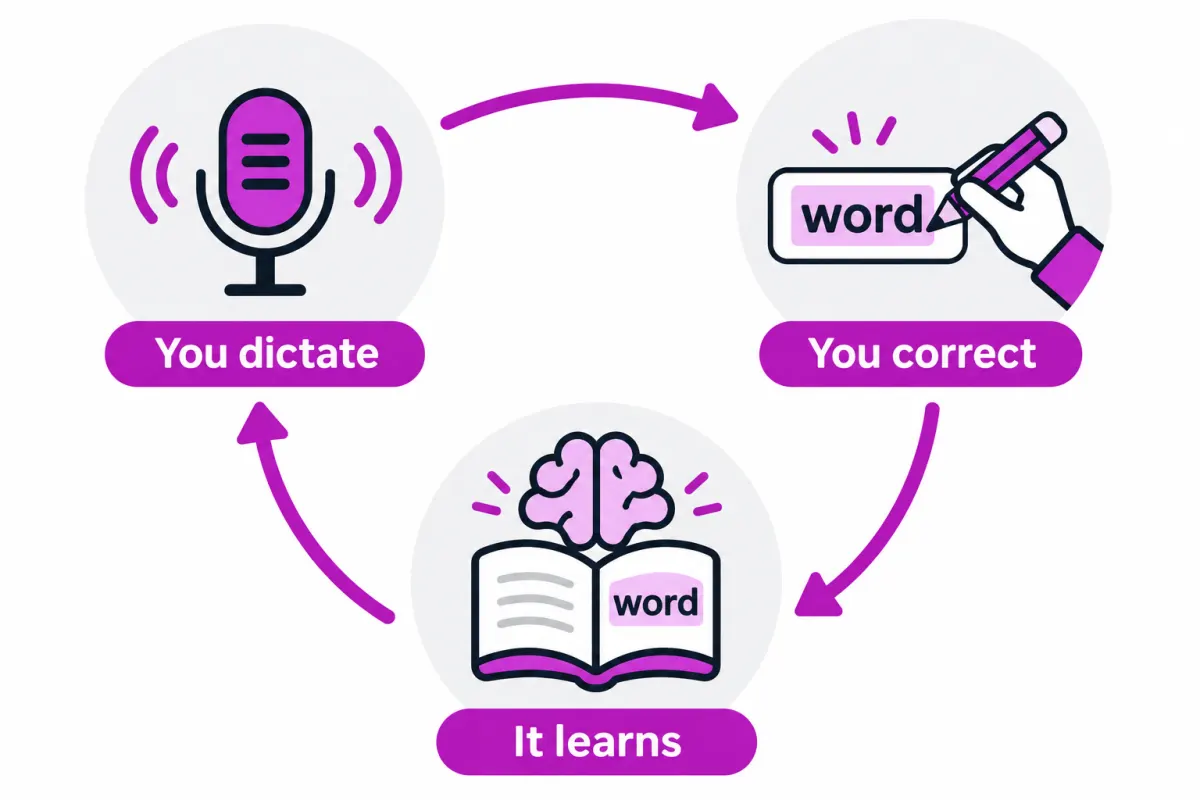
What you fix once is saved and applied automatically to the next dictations. For good.
A vocabulary with the names of the clients, patients, streets or products you use most.
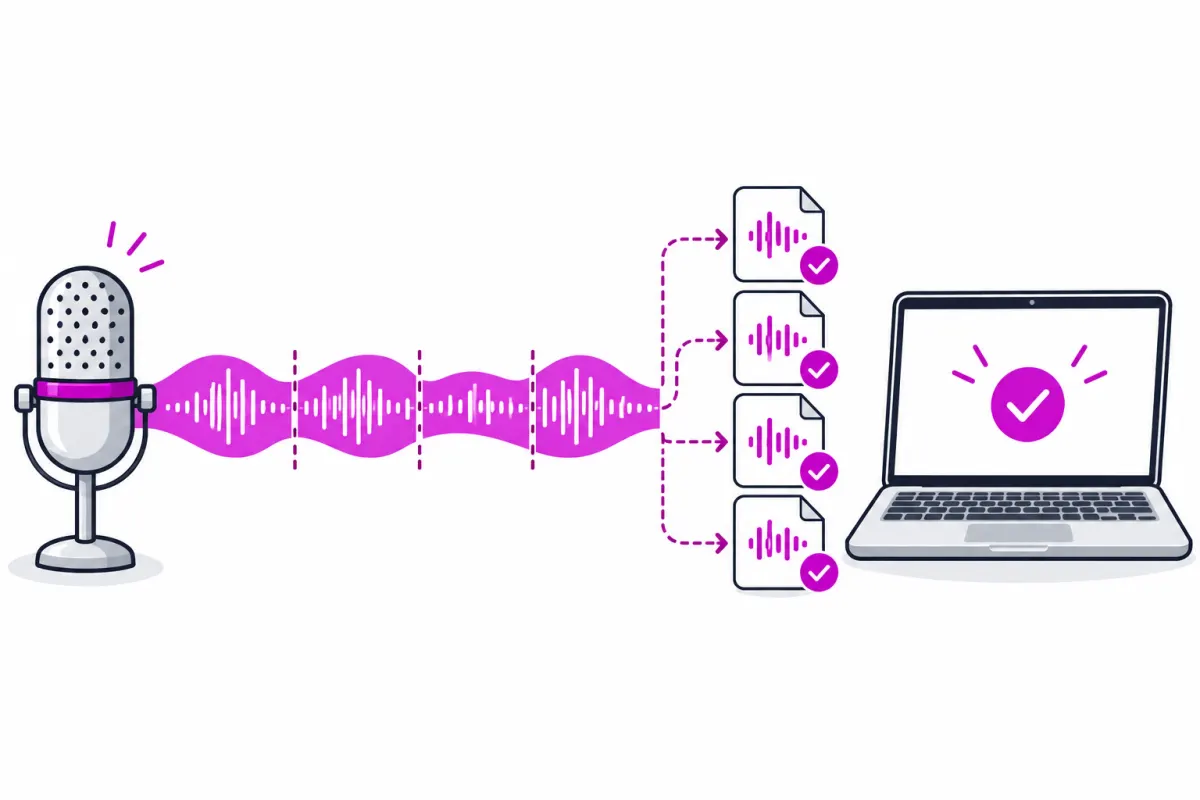
Audio is saved to disk as you speak. Pause and resume; if something fails, the note is still there.
Every dictation stays in the history. What you delete spends 7 days in the trash before it goes.
Record, pause, show the panel and cancel with the shortcuts you choose. Escape alone never cancels a dictation.
Word, Pages, Mail, the browser or your practice software: wherever you are typing.
In a law firm or a clinic, what you dictate should not travel to someone else's server. With DictaSuite it does not.
Local dictation helps, but it does not replace your data protection duties: you decide what you dictate and where you keep the result.
If it writes «Alaurín» and you type «Alhaurín», next time it gets it right. Every correction is saved on your Mac and applied automatically to later dictations.
Mobile and cloud dictation are built for short sentences. DictaSuite saves the audio to disk as you speak, so a long note survives an unexpected quit.

Briefs, case notes and client emails, with the names of the parties spelt right.

The clinical note right after the appointment, without the voice leaving the computer.
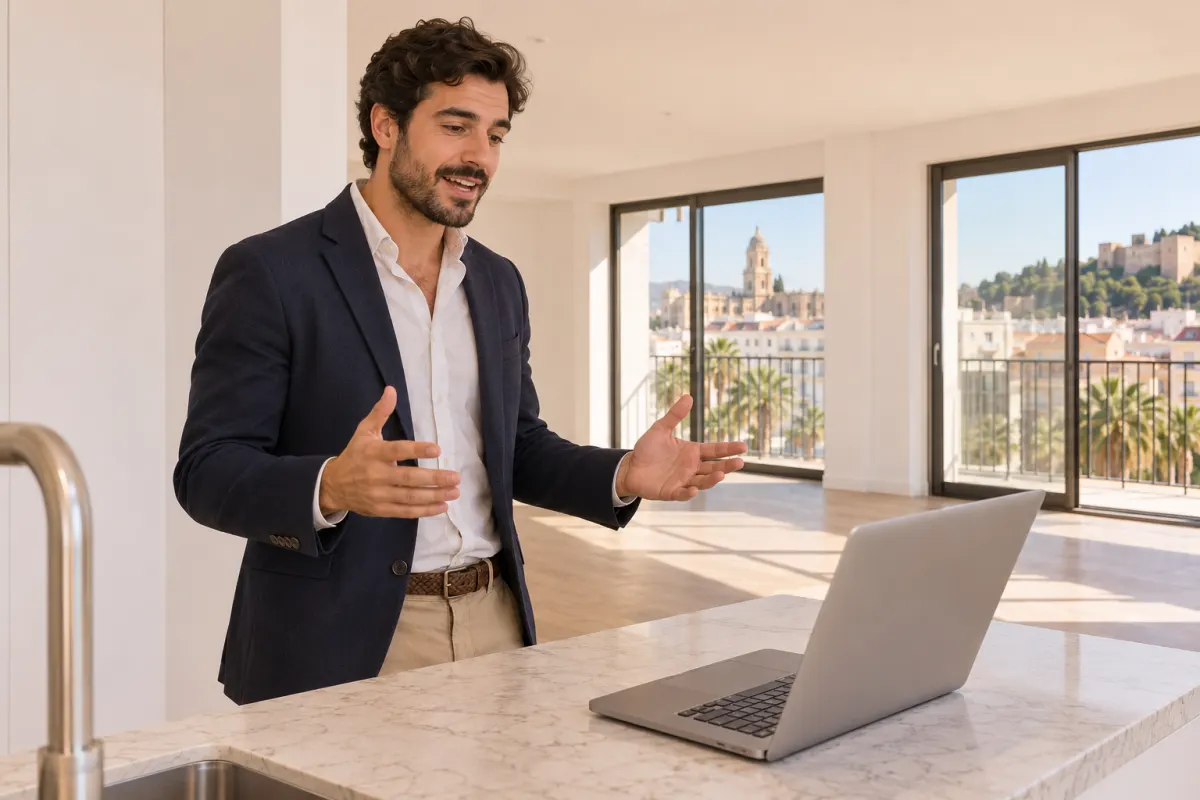
Property descriptions and viewing notes while you walk through the home.

Articles, reports and long emails, at the speed you speak.
What other well-known dictation apps say about themselves, without figures that change every month.
| How it compares | DictaSuite | Wispr Flow | SuperWhisper | VoiceInk |
|---|---|---|---|---|
| Where your voice is processed | On your Mac, always | In the cloud, with a privacy mode | On your Mac, with a cloud option | On your Mac |
| Pricing model | Free, no word limit | Subscription; free plan with a weekly word limit | Free with local models; paid Pro | One-off payment; free if you build the code |
| Platforms | Mac | Mac, Windows, iPhone and Android | Mac and iPhone | Mac |
Competitor details from their websites and public comparisons, reviewed on 17 November 2026. Trademarks belong to their owners.
It is free and part of the system. DictaSuite adds what a professional misses: fixing while you talk, learning from every correction, your own vocabulary and long notes that are never lost.
This is not in the app yet. If it interests you, sign up and we will tell you when it arrives.



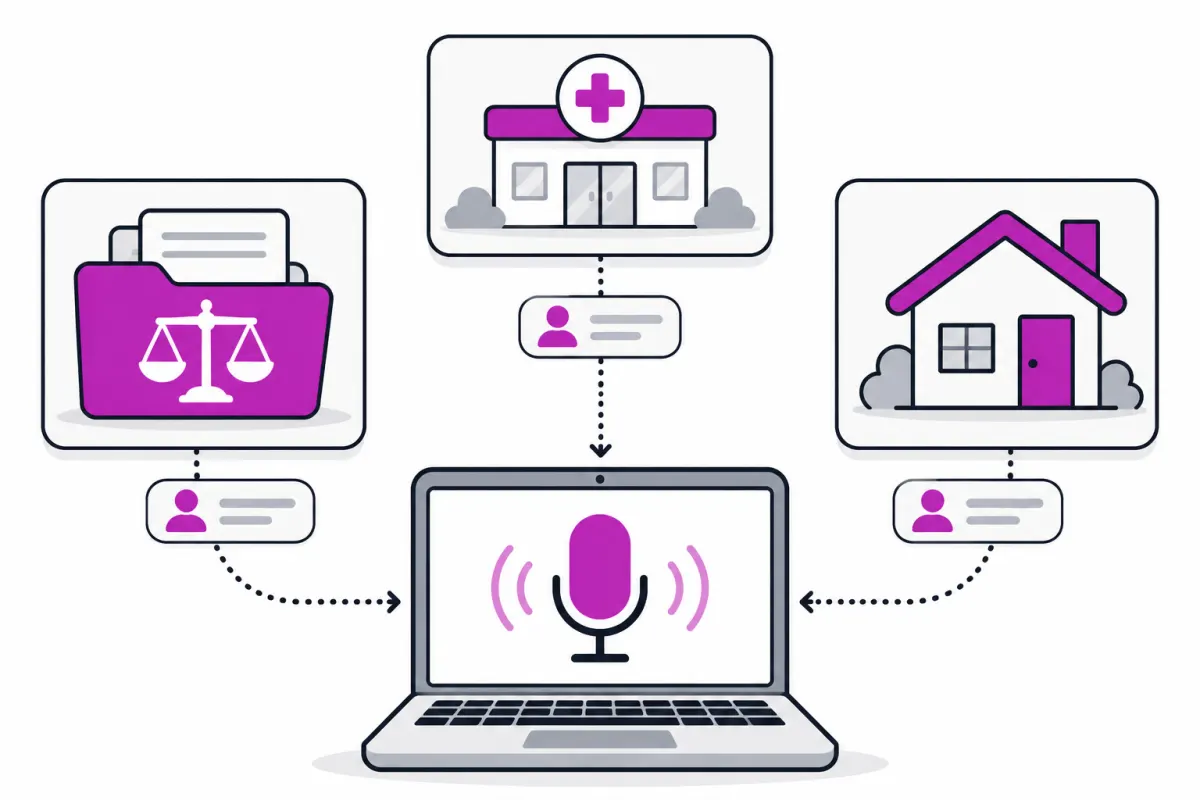
Legal and clinical terms in Spanish, ready from the first dictation.
The names in your cases, patients or properties, taken from the Codelabs products you already use.
Your corrections and vocabulary, the same on the office Mac and the one at home.
Dictate away from the office with the same vocabulary.
Dictating on your Mac costs us nothing, so it costs you nothing either.
No account and no word limit
On the roadmap, not available yet
We are finishing validating it with real microphones and signing it with Apple. Sign up under «Notify me» and we will write only to say it is ready.
Yes. Dictation runs on your Mac, so it has no usage cost and no word limit. Professional vocabularies will be included in the plans of the Codelabs suites.
No. Transcription happens on your Mac and audio and text stay on your computer. The app only downloads the speech model the first time.
A Mac with Apple silicon (M1 or later) and macOS 14 or later. There is no Windows or Android version.
It is built for Spanish first. The speech model also recognises other European languages, but vocabulary and testing are done in Spanish.
It pastes the text where your cursor is: word processors, email, the browser or practice software. To paste for you it needs macOS Accessibility permission; without it, it leaves the text copied for you to paste.
Audio is saved to disk as you speak, so the note is not lost. And Escape alone never cancels a dictation.
It is on the roadmap, like sync between Macs. Tick it in the form and we will tell you when it arrives.
One email when it is ready, and another if what you tick arrives. Nothing else.